A Practical Workflow for Turning WhatsApp Web Chats into Structured Data
WhatsApp is often where the most important parts of a customer relationship happen: requirements are clarified, files are exchanged, deadlines are confirmed, and support issues are resolved. The problem is that a chat interface is designed for conversation, not for long-term business records or analysis.
For teams that use WhatsApp Web every day, a simple export routine can turn scattered messages into files that are easier to search, review, and hand over.
Start with the question you need to answer
Before exporting anything, decide what the file will be used for. Different tasks need different formats:
- HTML is useful when a reviewer needs to read the conversation in context.
- Excel works well when a team wants to sort, filter, annotate, or compare conversations.
- CSV is a practical choice for dashboards, scripts, and text-analysis workflows.
Choosing the format first prevents a common mistake: collecting a large archive that nobody can use efficiently.
A repeatable export workflow
A lightweight workflow can be organized into five steps.
1. Define the scope
Select the relevant customer, project, or time period. Avoid exporting unrelated conversations simply because they are available. A smaller and clearly defined dataset is easier to review and safer to manage.
2. Export from WhatsApp Web
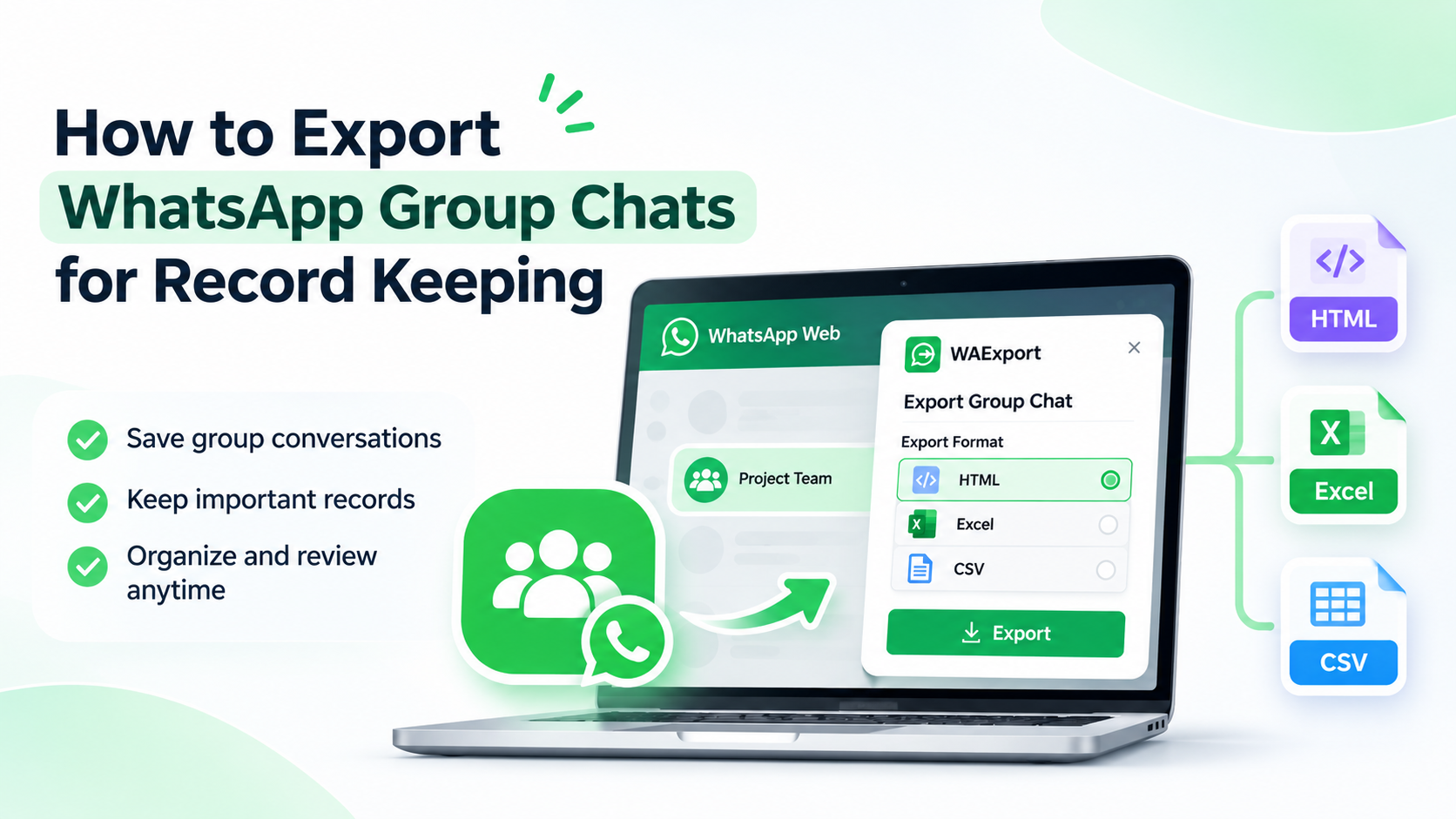
WAExport provides a WhatsApp chat export workflow for organizing WhatsApp Web conversations into HTML, Excel, or CSV files. The appropriate output depends on whether the next step is reading, reporting, or structured analysis.
3. Validate the result
Open the exported file and check a few important points:
- Are the expected messages present?
- Are dates and names displayed correctly?
- Are non-English characters readable?
- Does the file include only the intended conversation scope?
This small validation step is especially important before the file is shared with another team.
4. Apply a consistent naming system
A useful filename should explain what the file contains without opening it. For example:
2026-11_customer-name_project-support.xlsx
Teams can also separate files by client, region, campaign, or support queue. Consistent names make later searches much faster.
5. Control access and retention
Chat exports may contain names, phone numbers, commercial details, or other sensitive information. Store them only in approved locations, limit access to people who need the data, and define when old files should be archived or deleted.
What structured chat data enables
Once a conversation is available in a structured format, it becomes easier to use in normal business processes.
A sales operations team can review common objections or track follow-up commitments. A support manager can categorize recurring questions and identify gaps in documentation. A project team can create an evidence trail for decisions that were originally confirmed through chat.
CSV files can also serve as input for scripts or AI-assisted analysis, but the data should be reviewed and minimized first. Removing unnecessary personal details is usually better than uploading an entire conversation history to another service.
Keep the process small and auditable
The best export process is not the one that collects the most data. It is the one that consistently produces the right file for a specific business need.
Start with one active project, document the export settings, verify the result, and ask the people using the file whether the chosen format works for them. Once the workflow is stable, it can be reused for onboarding, customer support reviews, handovers, and internal reporting.
Turning chat messages into structured data is a modest operational change, but it can make important conversations far easier to find, understand, and use responsibly.
About the author
- Currently exploring WhatsApp chat export solutions with WAExport: https://waexports.wadesk.io/
Comments
Join the discussionOnce the CSV goes into scripts, two things tend to bite.
Timestamps first. If you merge exports made by different people, check the date format before anything else: 12h vs 24h and day/month order follow each exporter's phone settings, and a merged file can silently misorder messages. Normalize to ISO 8601 with an explicit time zone, and keep the original string in a second column so you can audit it.
Second, pseudonymize instead of deleting. If you strip names and numbers completely, you lose the ability to group by person. Replacing each number with a salted hash keeps "same customer across three chats" intact while the file itself carries no phone numbers, which also makes it much safer to hand to an AI step.
For the sales use case, follow-up commitments are easiest to pull out at the message level: flag first-person promises that contain a time word ("I'll send the quote by Friday", "will call you tomorrow") and keep the message reference next to each flag, so whoever reads the sheet can jump straight back to the context.